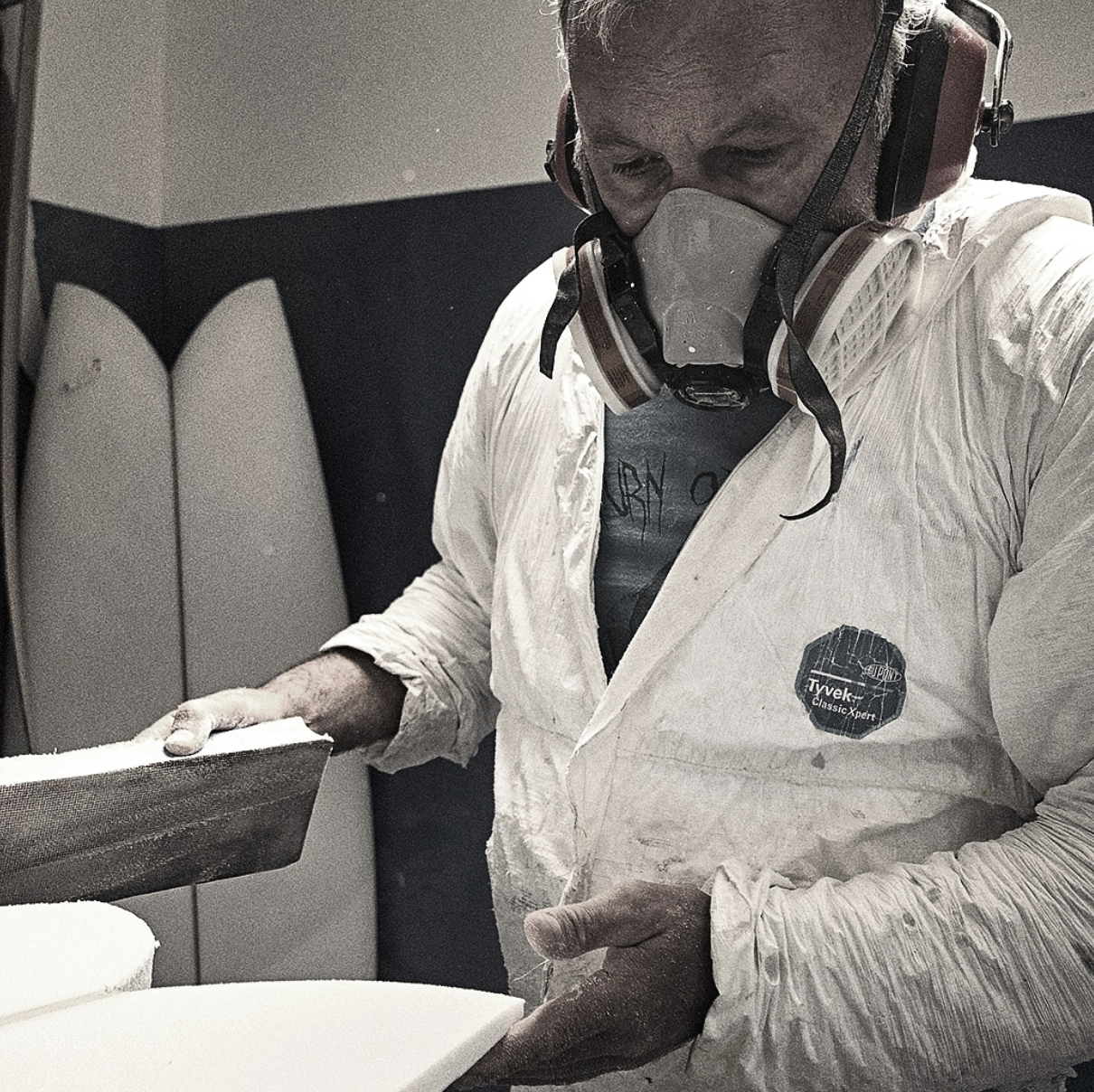
"The moment a customer sees their board come to life, everything clicks. It creates excitement, builds trust, and makes saying yes a whole lot easier."
— Glen Carkeek, Primal Surfboards NZ
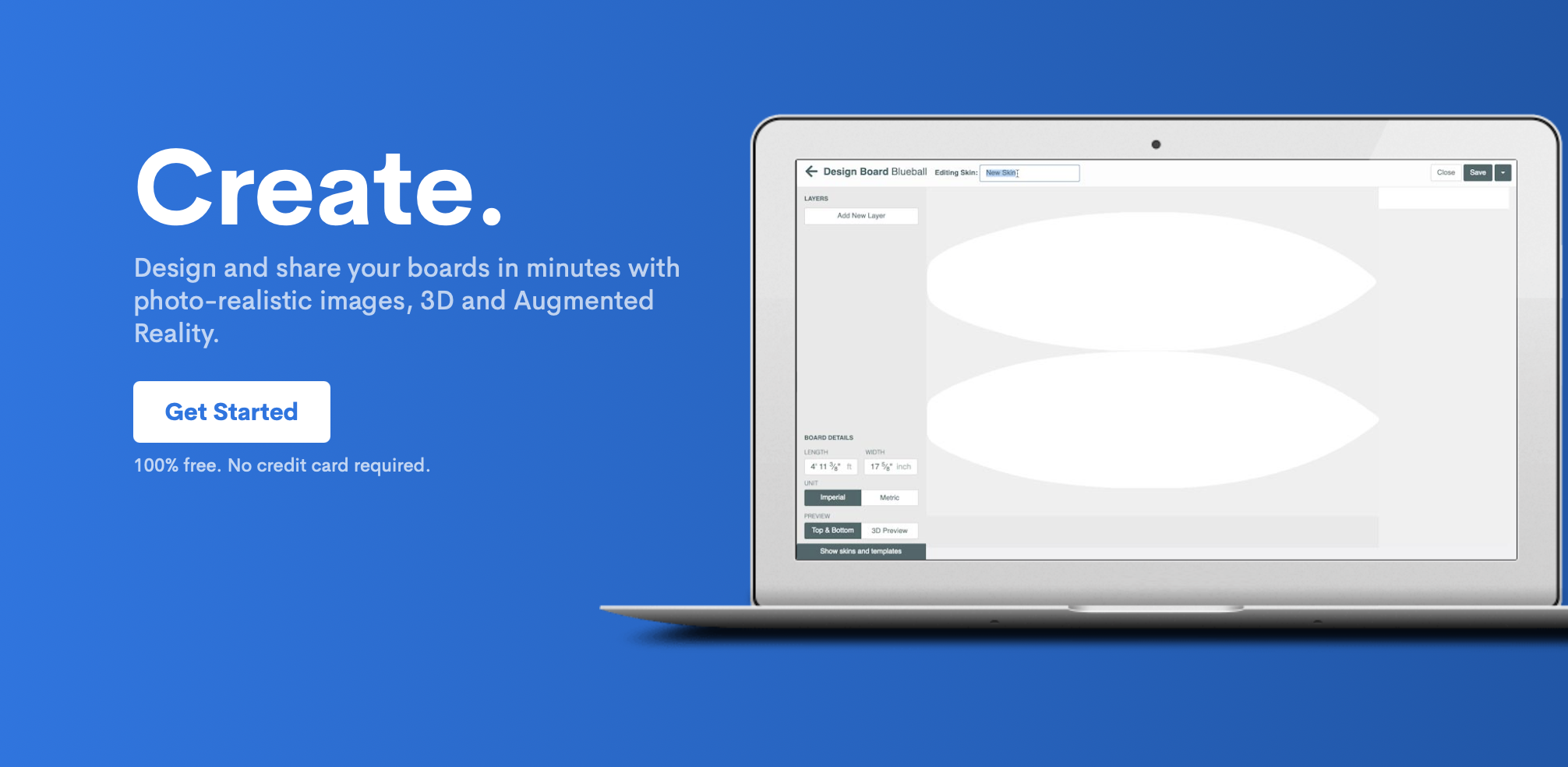
Create.
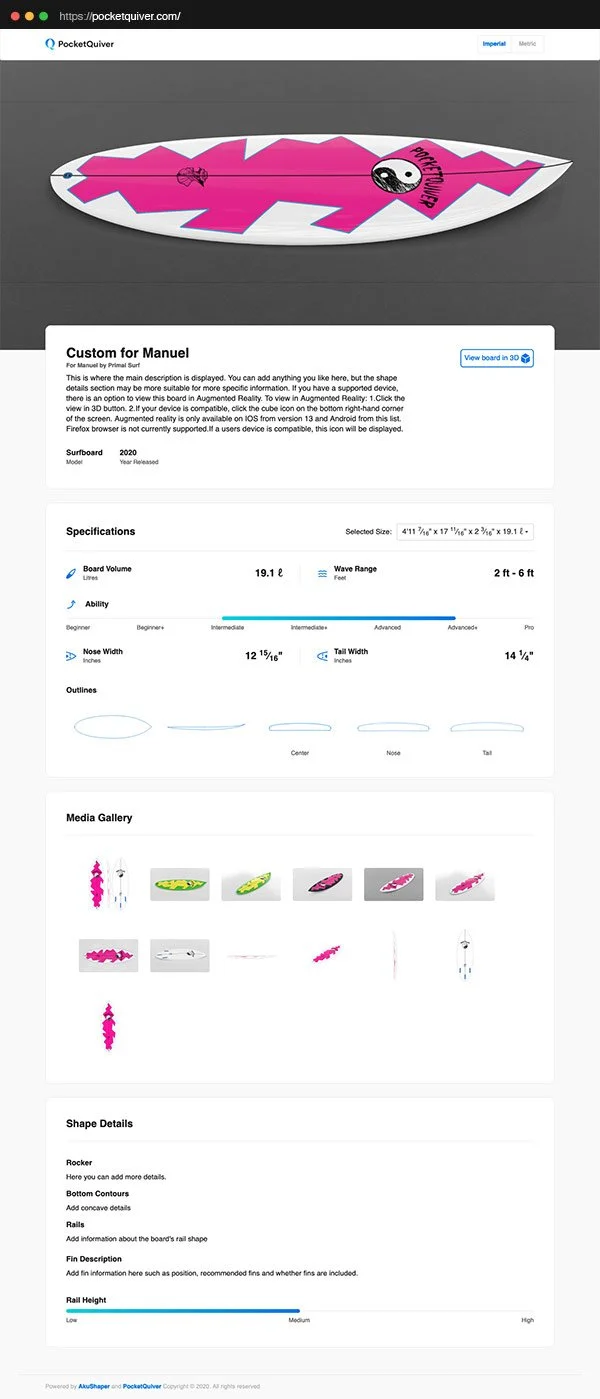
Design, visualize, and share your boards in minutes with photo-realistic imagery, 3D models, and augmented reality—directly from your AkuShaper files.
3D Models
Turn your designs into fully interactive 3D models in minutes.
View your boards from every angle or place them in real-world environments using augmented reality on supported devices.
Lifelike Images
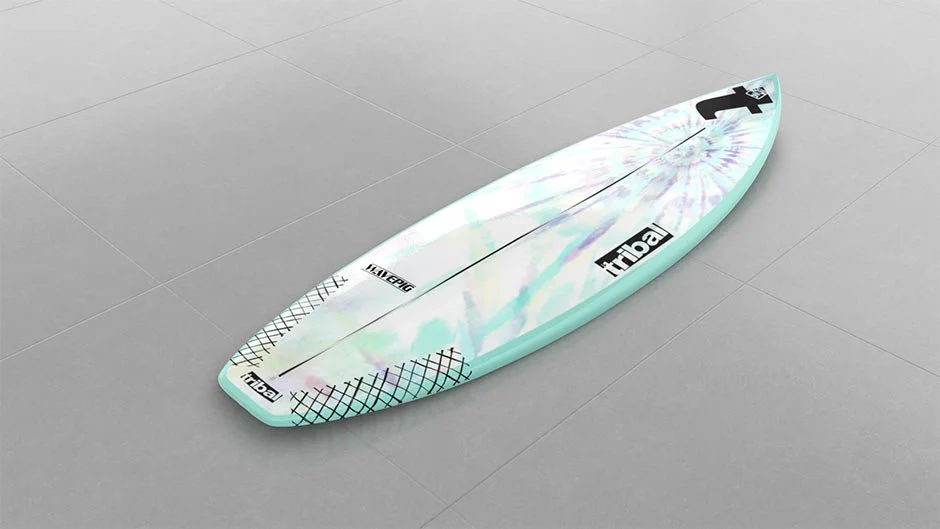
Generate clean, high-quality board imagery directly from your AkuShaper files—no photography, editing, or design experience required.
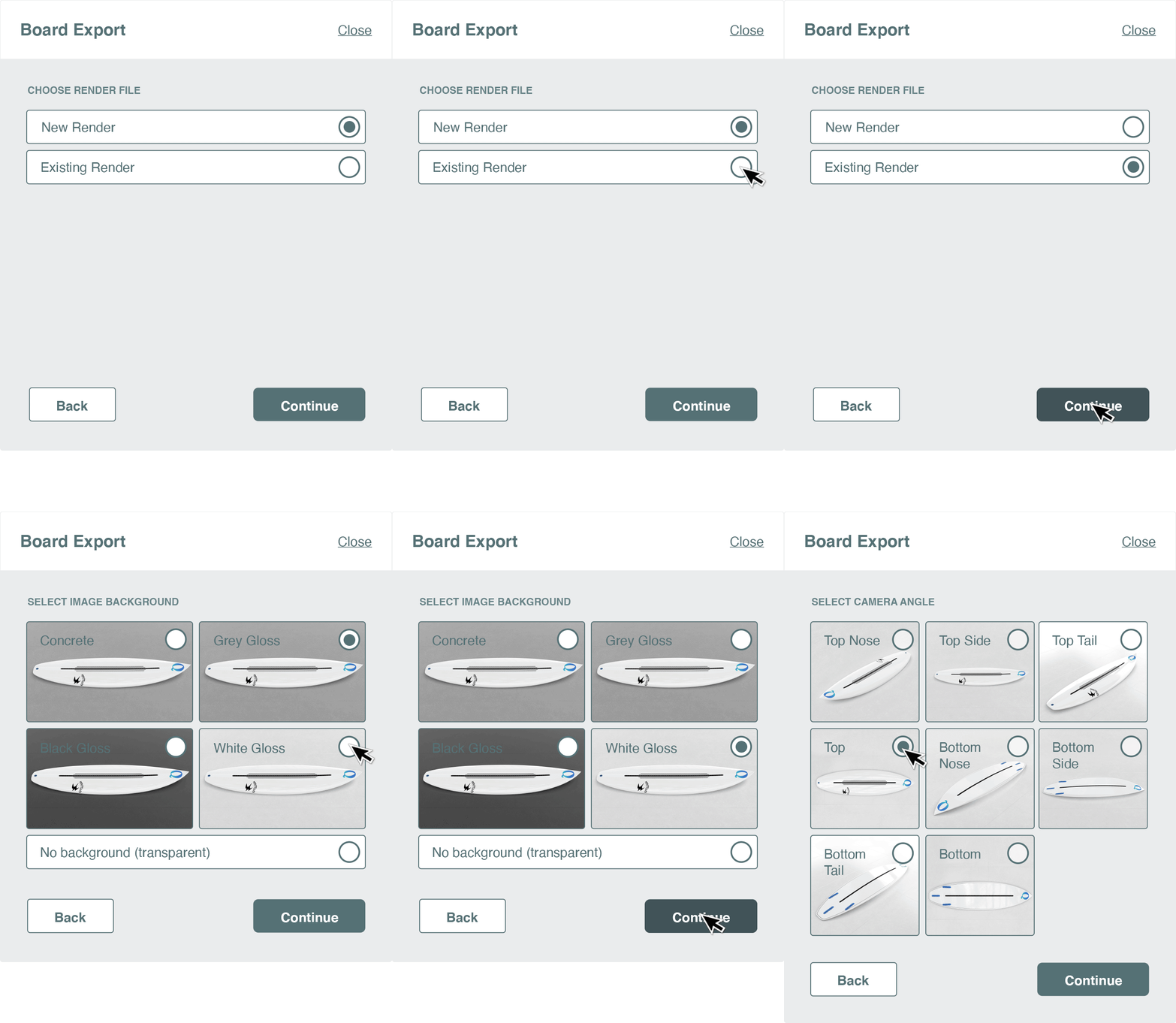
Show your board in realistic environments with multiple camera angles and floor settings.
Export ready-to-use images instantly, eliminating the need to build, shoot, and manually edit photos.
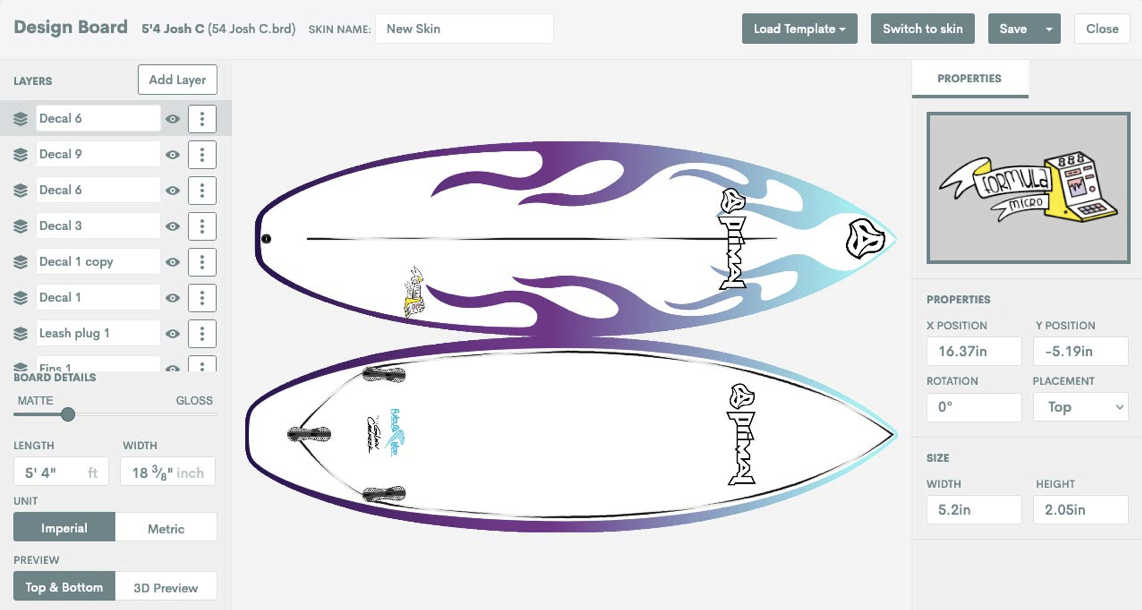
Composite views display top, bottom, and side profiles in a single, clean image—perfect for presentations and customer approvals.
Prototyping
Move faster with digital-first design.
Share accurate visual breakdowns of custom boards with customers before anything gets shaped.
Dial in your designs digitally and reduce costly revisions during production.
Marketing
Website Content:
Create ready-to-use assets including clear-cut images, 3D models, and board outlines for your website.
Social Media:
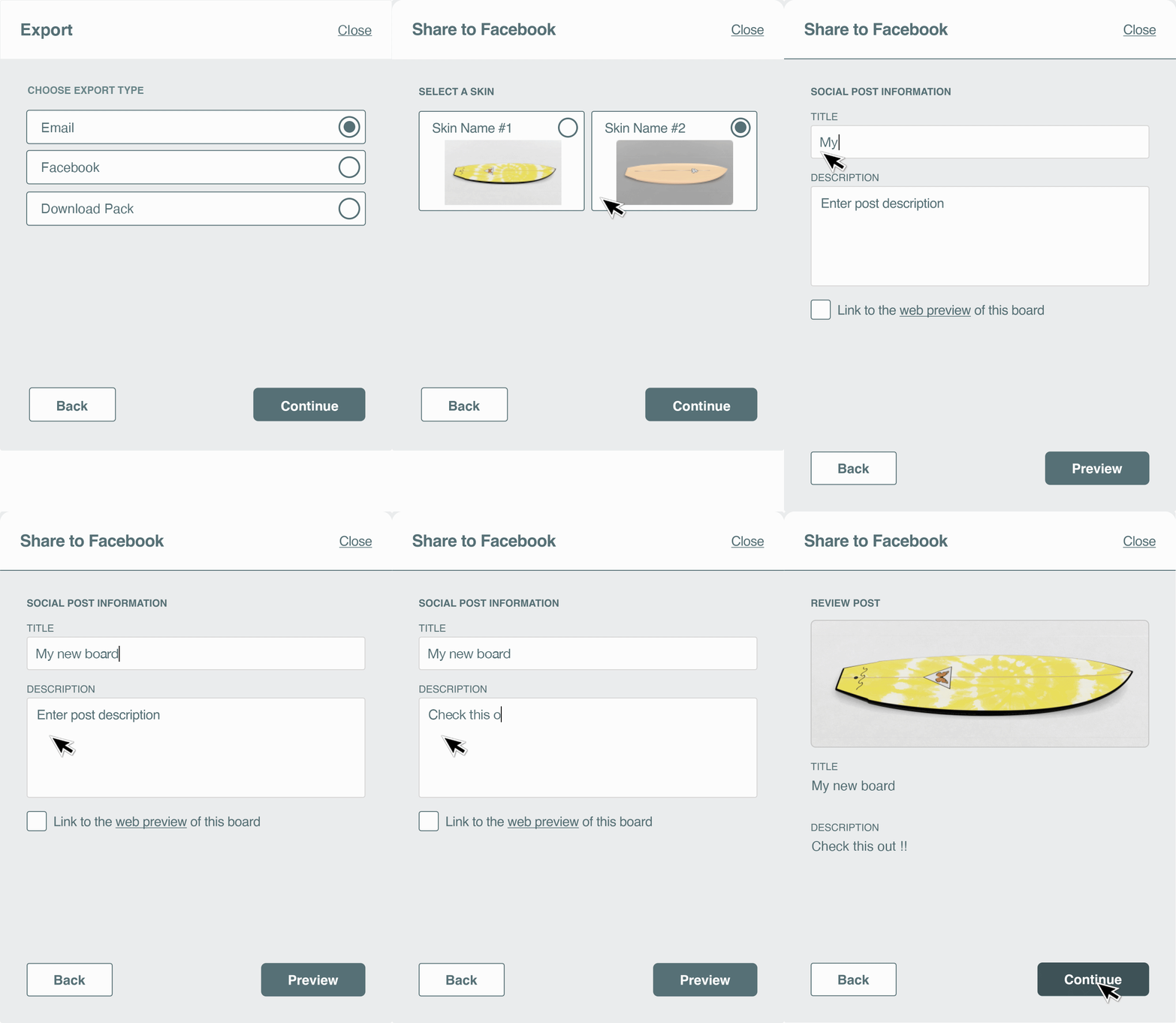
Export and share your designs instantly across platforms—no extra formatting or editing required.
Production
Bring clarity into your build process.
Add generated board visuals to spec sheets to reduce miscommunication and production errors.
It’s as easy as…
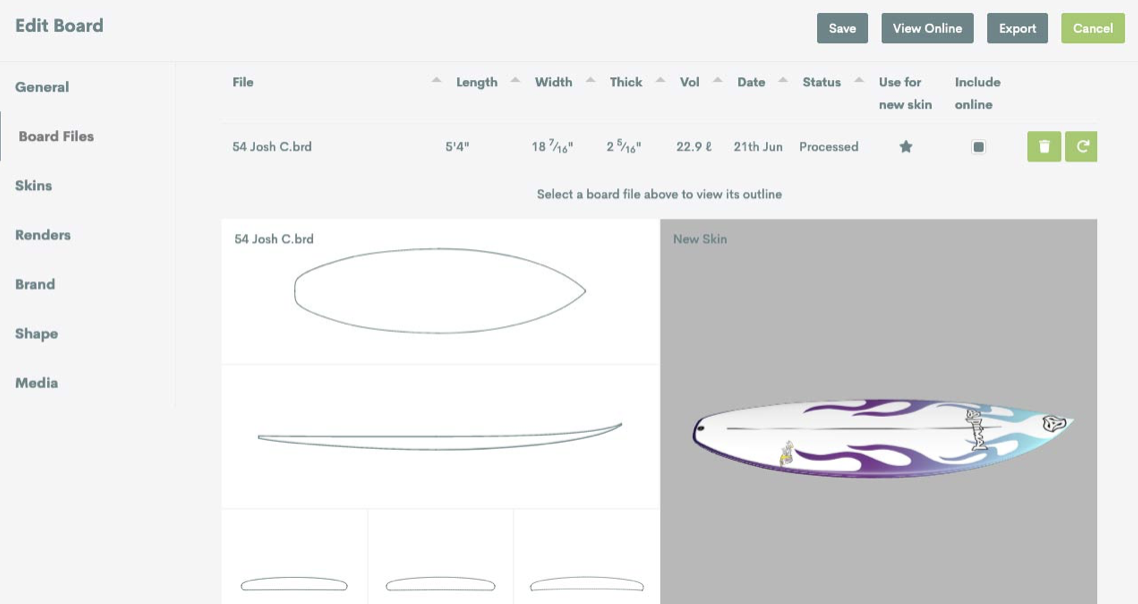
1. Upload your board file
Upload your AkuShaper file or start from an existing design.
2. Generate your visuals
Instantly create 3D models, lifelike images, and presentation-ready assets.
3. Share your work
Send to customers, post online, or download everything you need in seconds.