Design Your Own Snow Surf / Bindingless Snowboard with AkuShaper
Watch: Bindingless Snowboard Design with AkuShaper
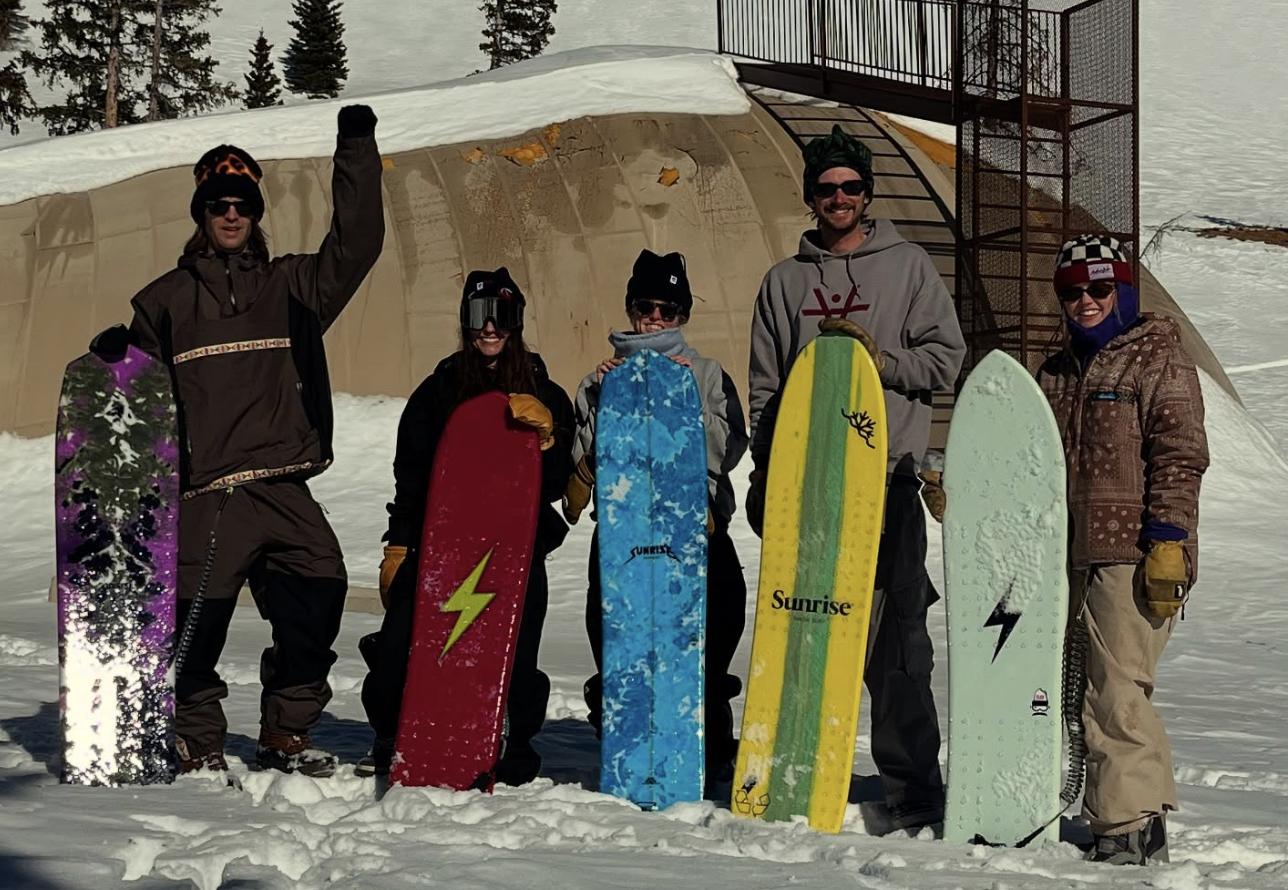
“AkuShaper really lowers the barrier to getting into bindingless snowboard and snowsurf design. It lets you experiment with different shapes, visualize them before you build, and then actually make the board at home with simple printing tools. For anyone curious about building their own snowsurf, it makes the process way more approachable.” — Chad, Sunrise Snow Works
What is Snow Surf?
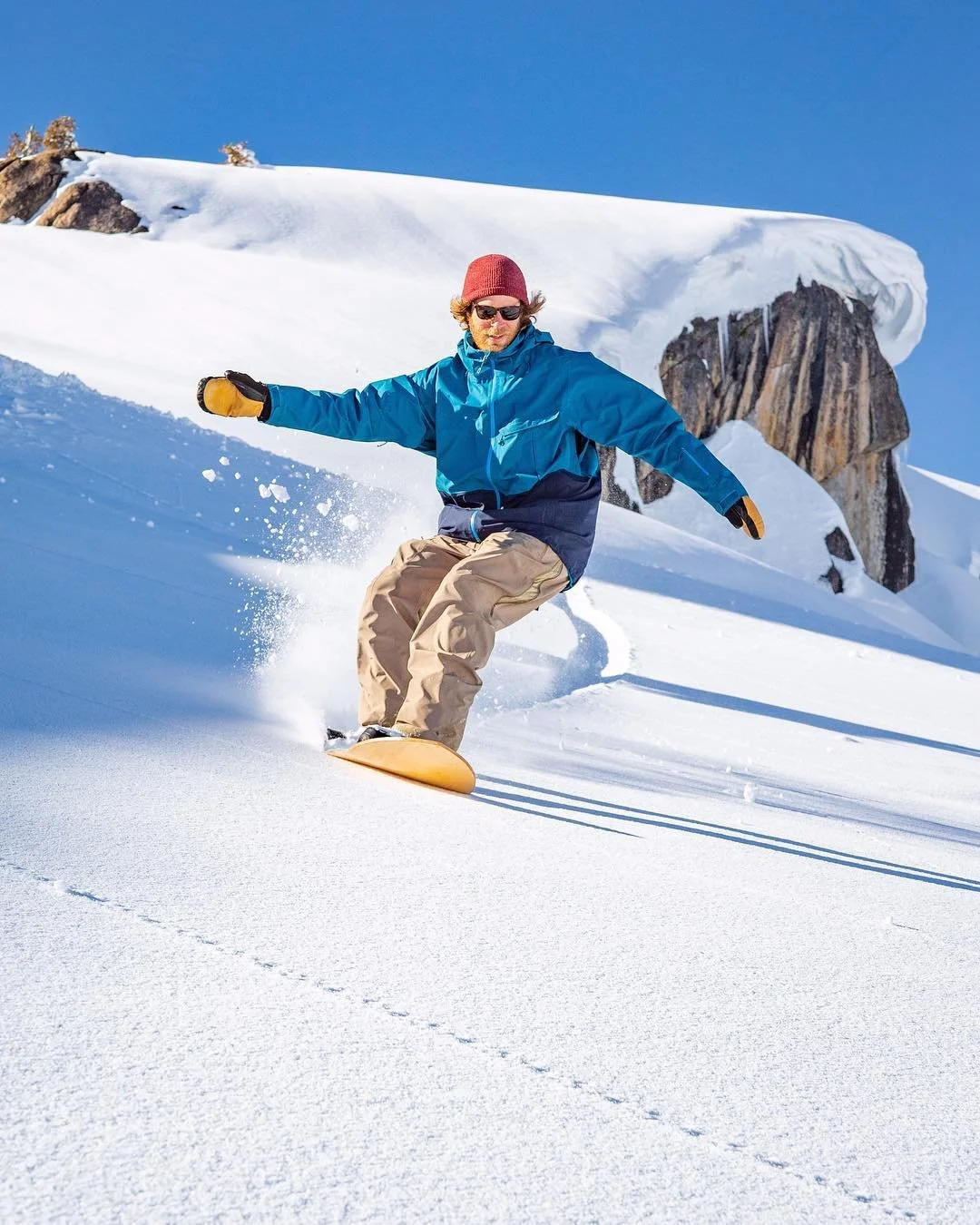
Snow surf boards are bindingless snowboards designed to emulate the flow and feel of surfing powder. They let you glide, carve, and spin across the mountain in a way that feels fluid, free, and creative.
Whether you’re exploring deep powder or tight, technical terrain, snow surf boards open up new ways to ride — and AkuShaper helps you bring your own ideas to life.
Why Use AkuShaper for Snow Surf Boards?
AkuShaper is built for shapers, whether you’re making surfboards or snow surf boards. With our tools, you can:
Fully customize your board dimensions: length, width, thickness, taper, rocker, and camber.
Work with multiple materials: foam, wood, or hybrid cores.
Choose your workflow: print full-size outlines for hand shaping or export CNC-ready DXF, IGES, or STL files.
Create spin, carve, or outline templates for precise shaping.
Try before you commit: free Demo Mode lets you explore all features indefinitely.
Material Options
The right material affects flex, feel, and performance:
Foam: easy to shape, beginner-friendly, consistent.
Wood: hands-on feel, natural flex, traditional construction.
Hybrid: foam core + wooden veneer for a combination of lightweight performance and natural flex.
How It Works
Step 1: Start with a blank or template
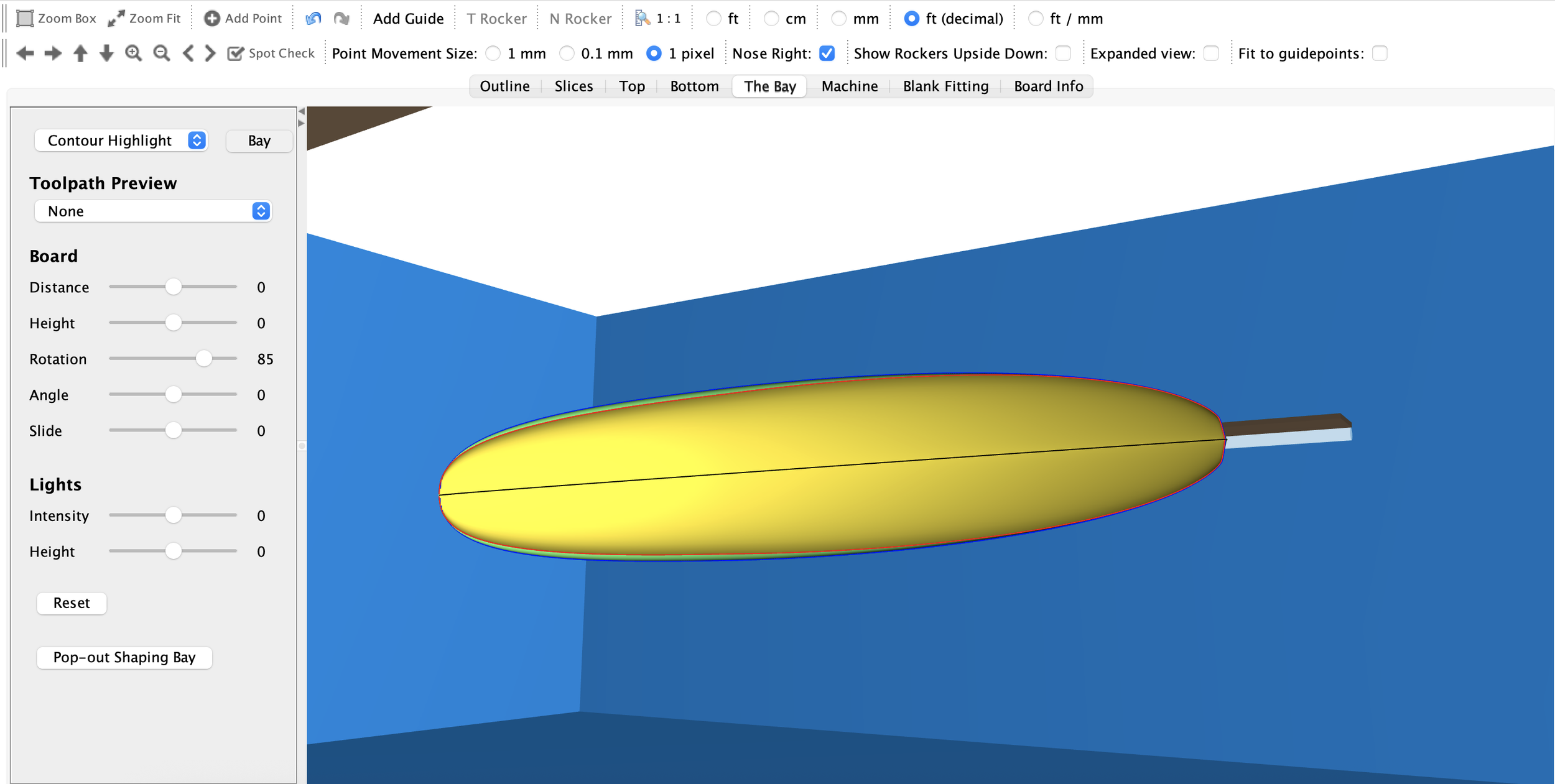
Pick a standard snow surf board blank or create a completely custom outline. You’ll see full-scale visualizations of your board as you design.
Step 2: Fine-tune dimensions and rocker profiles
Adjust length, width, thickness, tip/tail shape, and rocker. Our interface makes it easy to tweak every detail for flow, performance, and style.
Step 3: Print or export templates
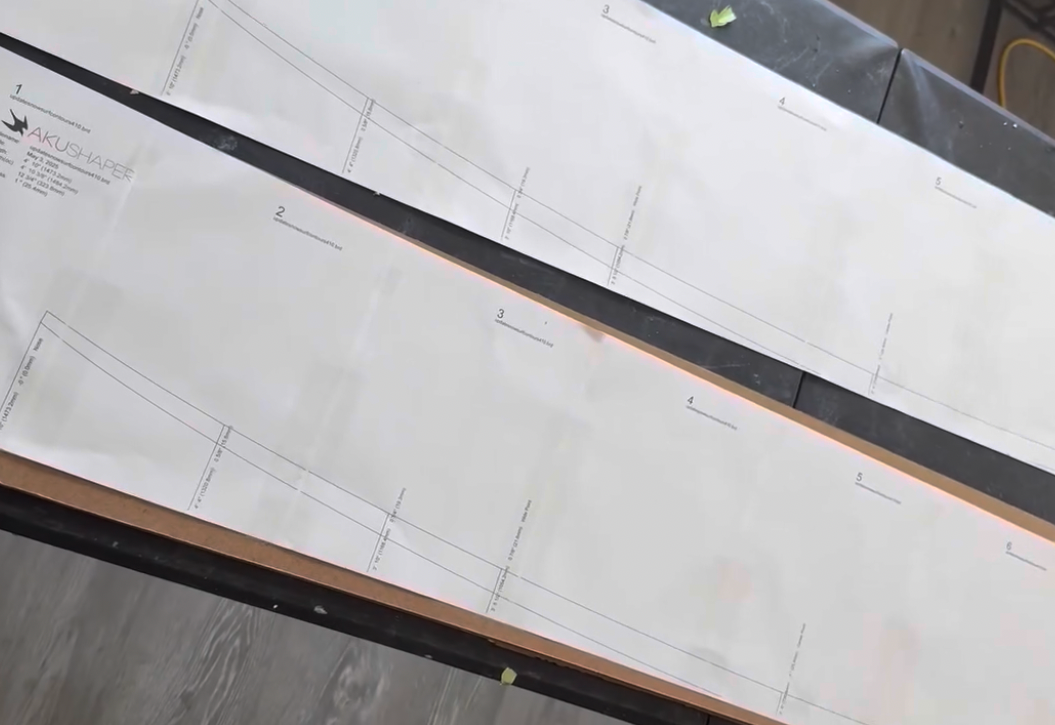
Print full-size outlines on sheets or plotters for hand shaping.
Export DXF, IGES, or STL files for CNC cutting.
Getting Started
Download Demo Mode: test AkuShaper with full features, no license required.
Watch tutorials: step-by-step guides for snow surf boards.
See templates: explore full-size prints and CNC-ready designs.

Step 4: Shape and finish your board
Hand shape using templates or printed outlines.
CNC cut with precision.
Finish with sanding, sealing, and optional hybrid features like minimal bindings.

Real User Builds
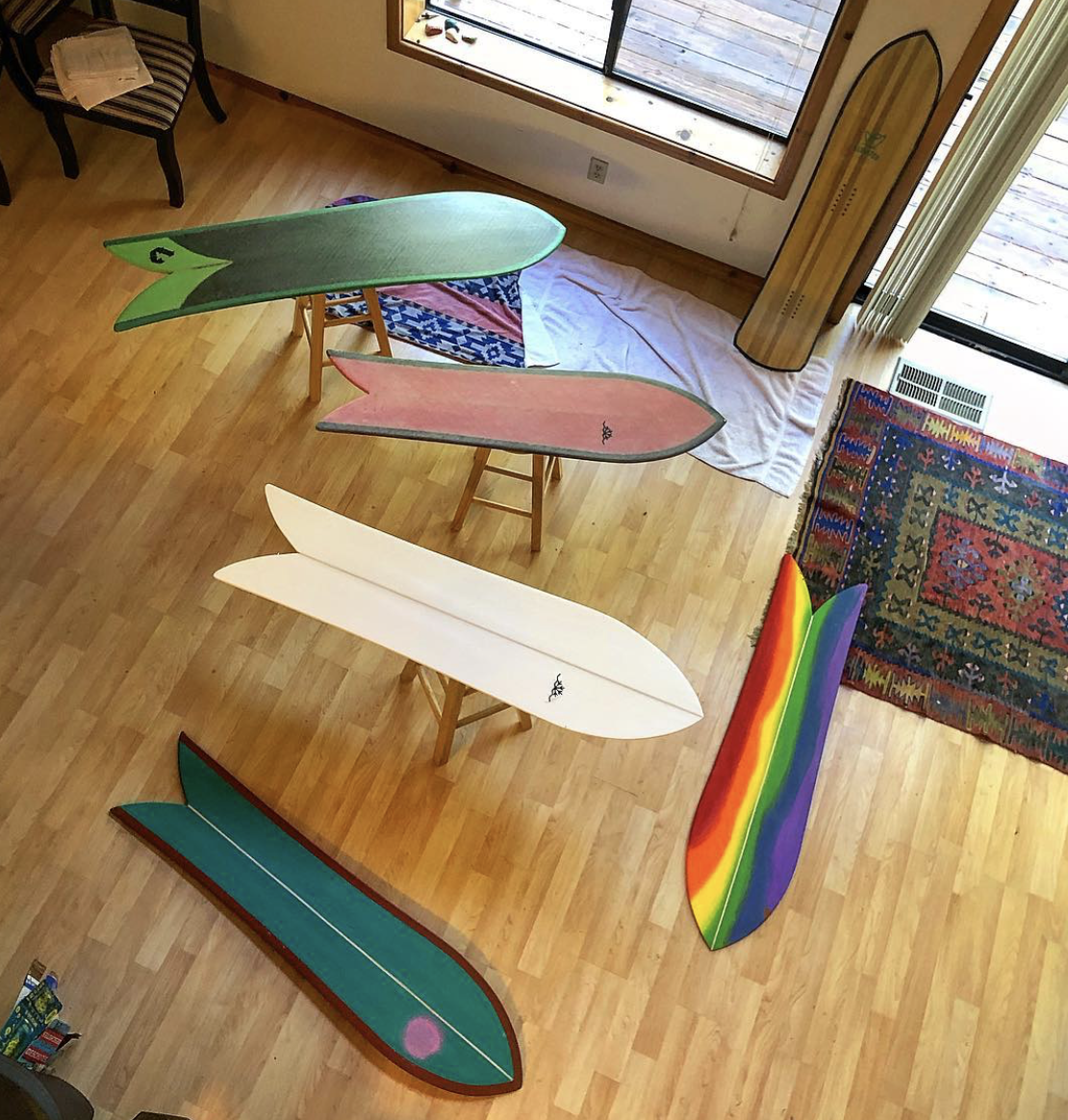
Check out snow surf boards designed by the AkuShaper community:
Photos and stories from riders shaping their own boards
Tips and tricks learned during the process
Inspiration for your next project
FAQ
Q: Can AkuShaper handle hybrid snow surf boards?
A: Yes! Mix foam cores with wooden veneers, tweak flex, and print templates.
Q: What materials work best for powder vs hardpack?
A: Foam is easy and consistent, wood gives natural flex, hybrids give the best of both worlds.
Q: Do I need a CNC machine to make a board?
A: No, full-size templates let you hand shape boards in your workshop.
Q: Can I print full-size templates at home?
A: Absolutely — print sheets from your home printer or plotter and start shaping immediately.